Secure by Design
Defining how security became part of Microsoft's design process.



Role
Co-Lead Designer • Co-Art Director
Company
Microsoft
Status
Live
Focus
UX Strategy • Design Systems • Security UX • Workshops
Team
Margaret Price • Venita Subramanian • Joel Williams • Kara Philipovich • Studio Mega
Making security a design responsibility
Secure by Design is a UX toolkit from Microsoft’s Secure Future Initiative. The industry often overlooks that most breaches start with human error, which makes security as much a UX problem as an engineering one.
A company-wide, One Microsoft effort, it united top design, UR, and PM talent across Windows, Office, Xbox, Fluent, Azure, and more to define what “secure by design” should mean for the people building products.
I was the design lead for Xbox and co-lead designer for the entire initiative, helping shape the toolkit and guiding how the work came together across teams.
It shipped as a practical toolkit, adopted across Microsoft and published publicly.
Threat actors don’t break in. They sign in.
Most breaches start with a person doing something reasonable in a confusing moment, which makes the interface itself part of the attack surface.
Yet security guidance was written for specialists, not for the designers, PMs, and researchers actually shaping those moments.
So we built the tools to put security in the hands of the people shaping those moments.

Treat security as a design system
Rather than writing another set of guidelines, I pushed us to approach security the way we’d approach any design system, as reusable tools teams could pick up in the middle of real work.
The guidance came down to five best practices, split across two moments: how you plan, and how you build and ship.
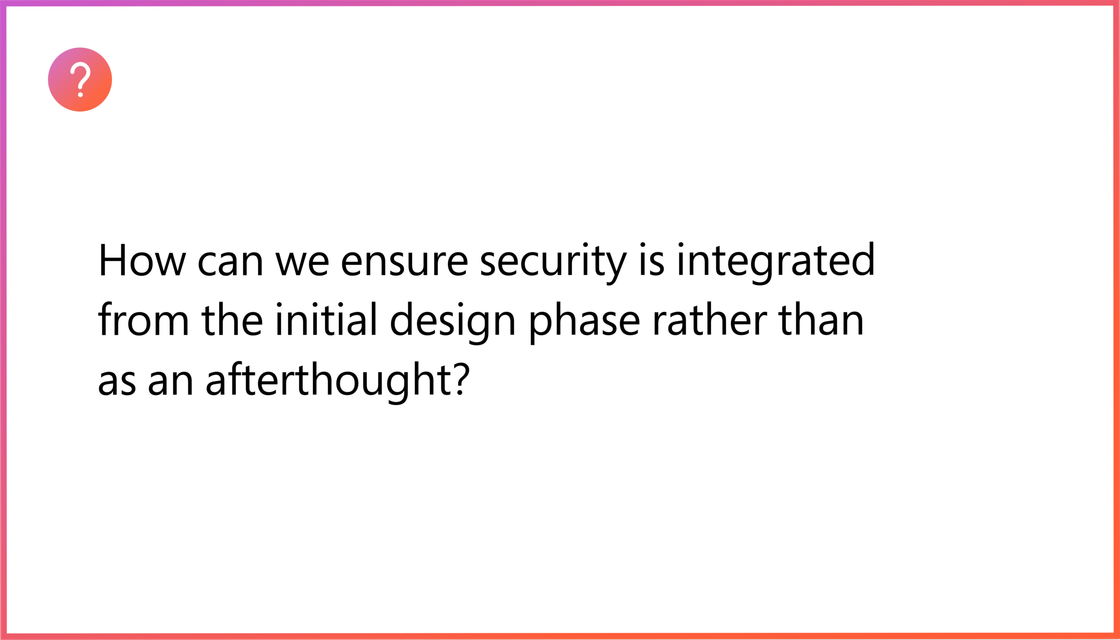
Add Security to UX Planning, Strategy & Tactical Efforts
Bring security into planning, threat modeling, and reviews from the start, so flaws are caught early instead of retrofitted.
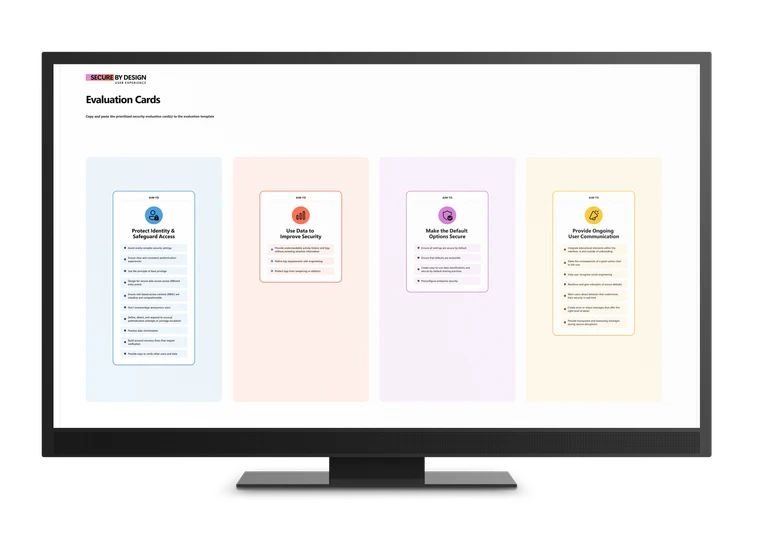
Protect Identity & Safeguard Access
“Threat actors don’t break in, they sign in.” Make authentication, permissions, and recovery simple, clear, and trustworthy.
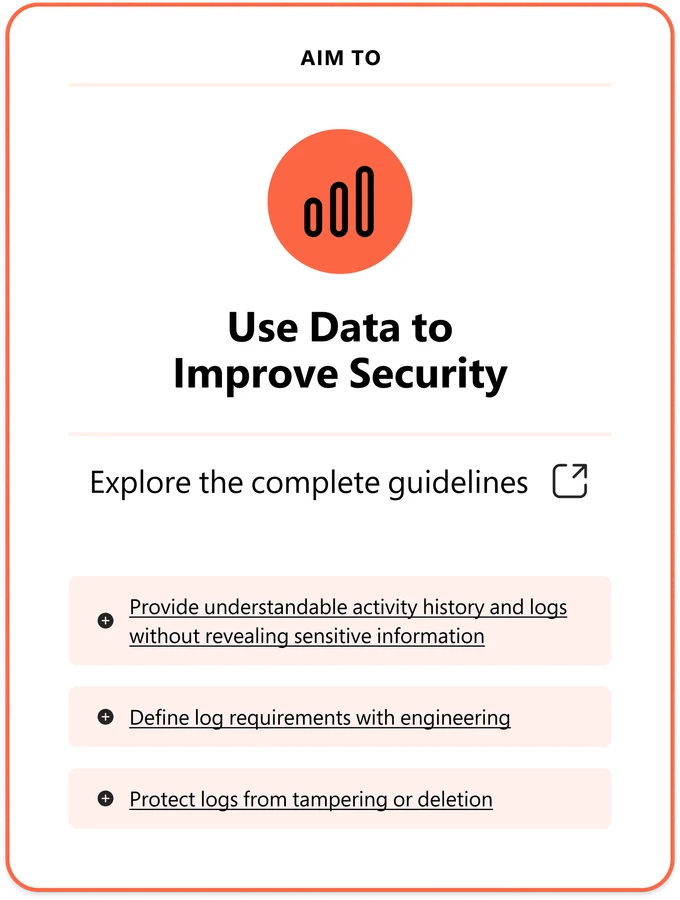
Use Data to Improve Security
Use logs and telemetry to give people understandable activity history, without exposing sensitive information.
Make Products Secure by Default
Ship the most secure settings on by default, tested for usability and accessibility, so safety needs no expert setup.
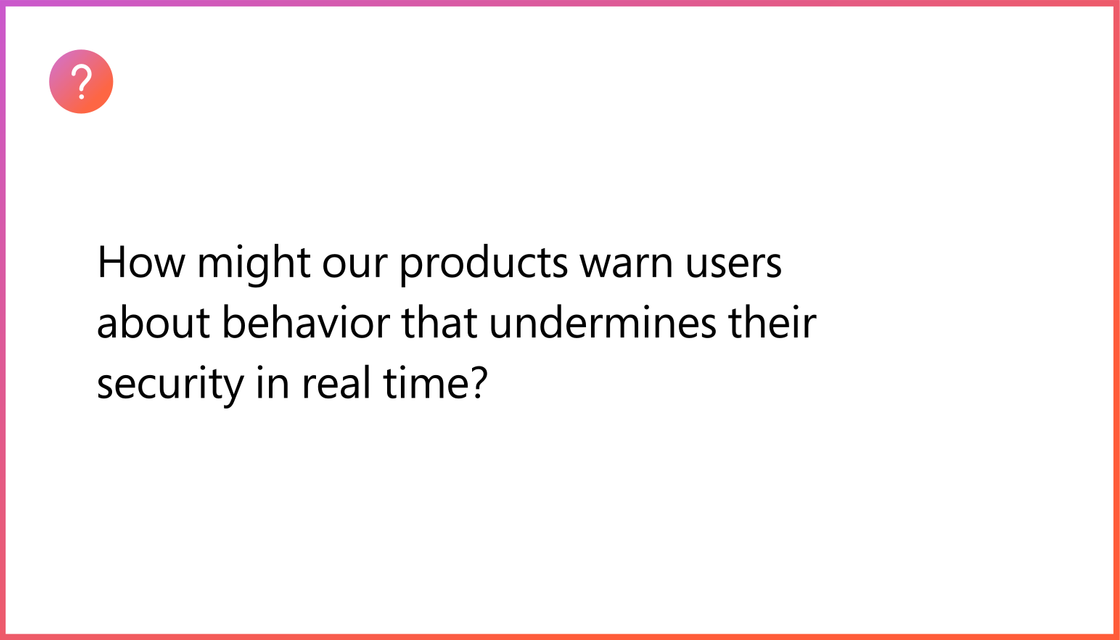
Provide Ongoing User Communication
Educate in context with clear warnings, trust signals, and messages that help people make informed, safe choices.
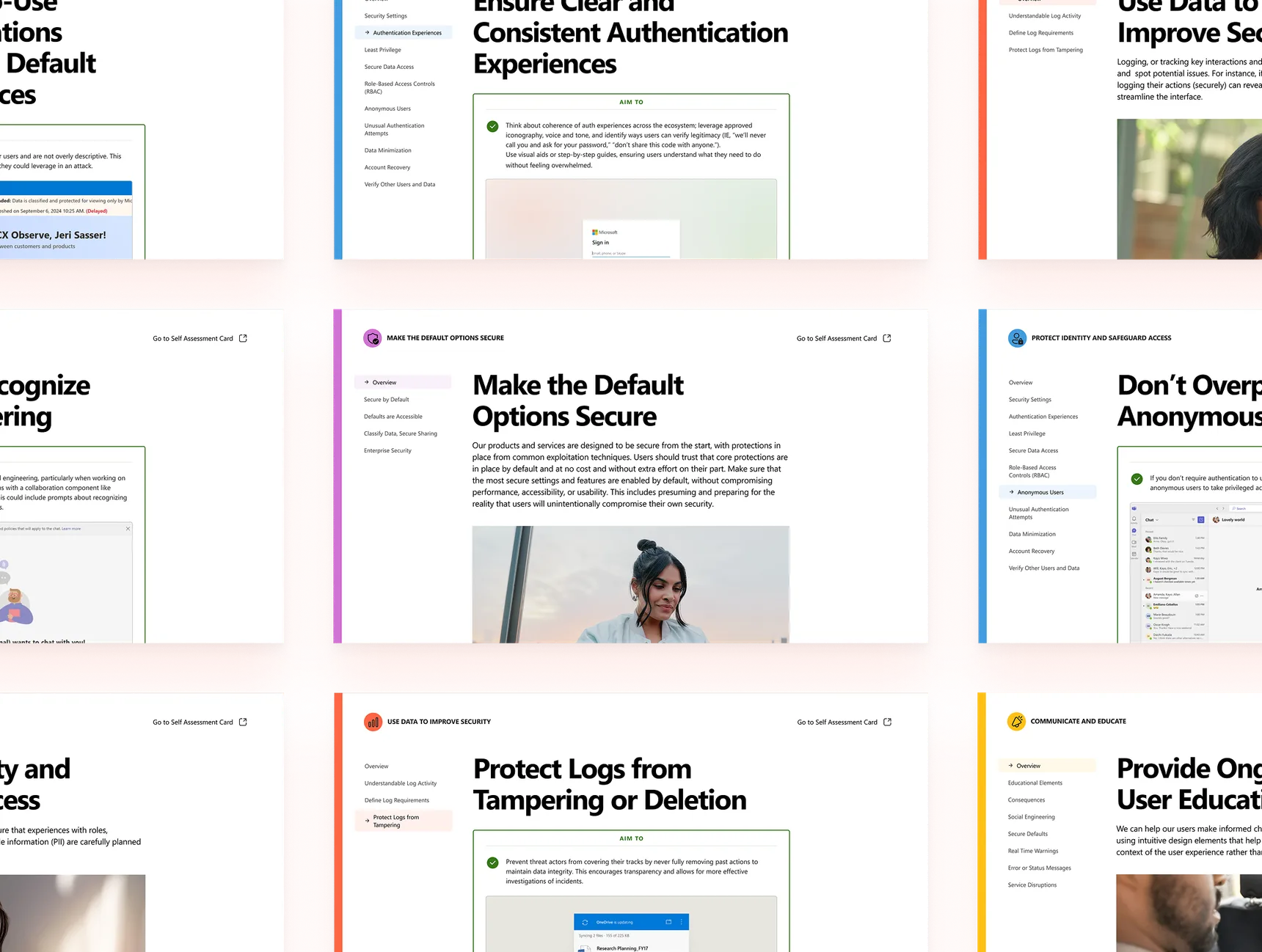
Evaluation Cards and Guidelines for Figma
A toolkit teams could actually use
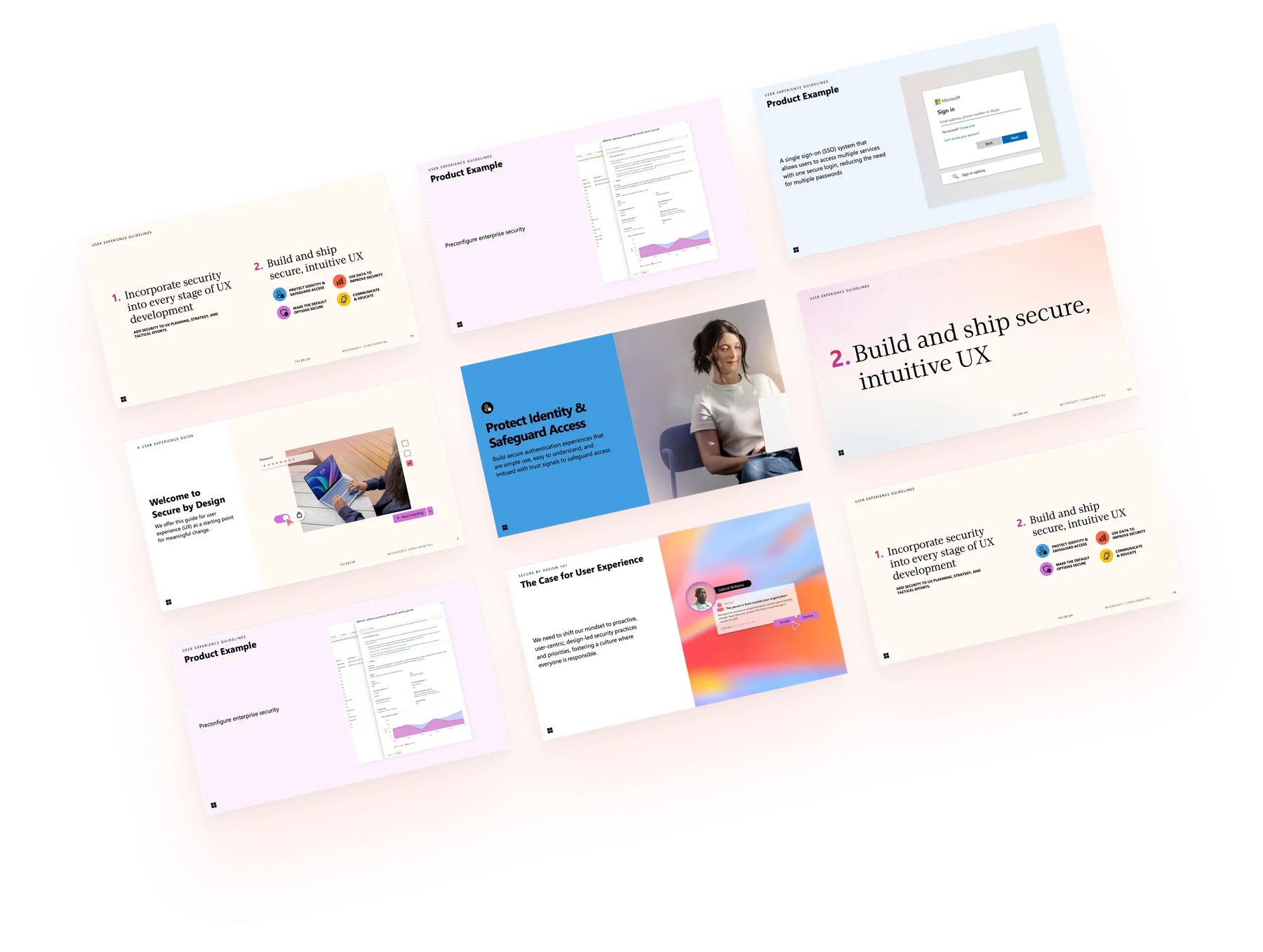
It shipped as four connected pieces, so a team could read the guidance, run a workshop, or spark a conversation depending on where they were in their work.
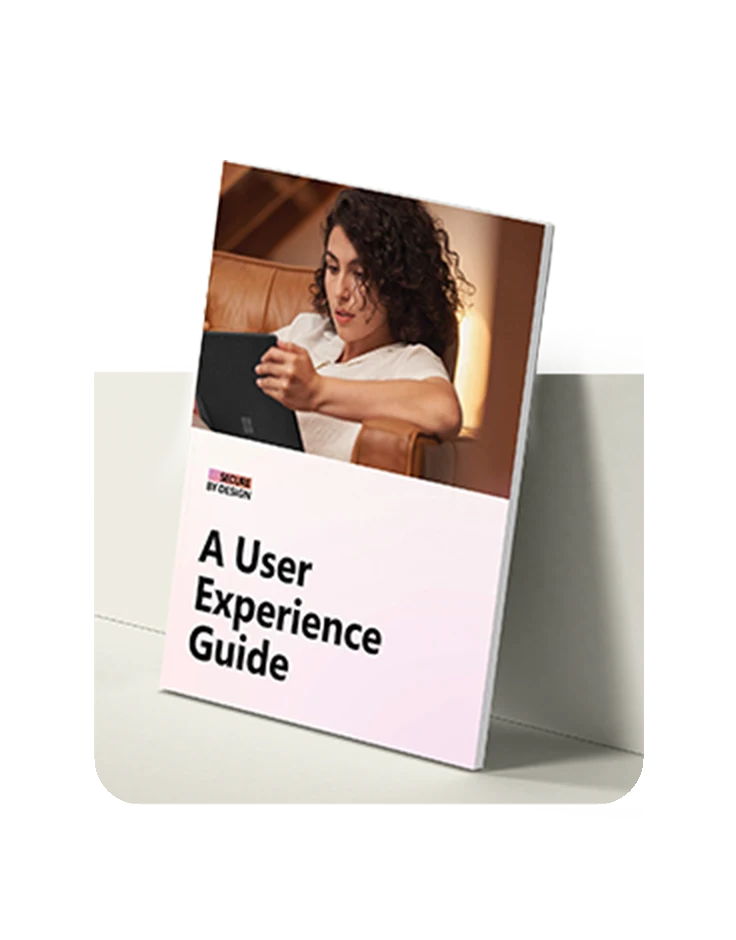
The UX Guide
Published guidance covering the five best practices, each with clear “aim to” and “avoid” direction across UX, platform, and network security.
Facilitated Toolkit
A run-it-yourself workshop where teams prioritize best practices against a real user flow, then evaluate it through a threat-actor lens.
Conversation Cards
Thirty-plus prompts that spark security-UX discussion and build the habit of asking how an experience could be misused.
Drag to browse through the cards
User Flow Evaluation
A FigJam board teams run alongside the toolkit to map a real user flow and pressure-test it against each best practice through a threat-actor lens.
Designing across the whole initiative
Secure by Design was a company-wide initiative. I led design across all of gaming and was co-lead designer for the entire initiative, working hands-on to shape the toolkit alongside design, research, and product.
Lead Designer
As co-lead designer, I helped design the whole initiative from start to finish, set the design foundations, and guided the other designers alongside the team.
Design Systems
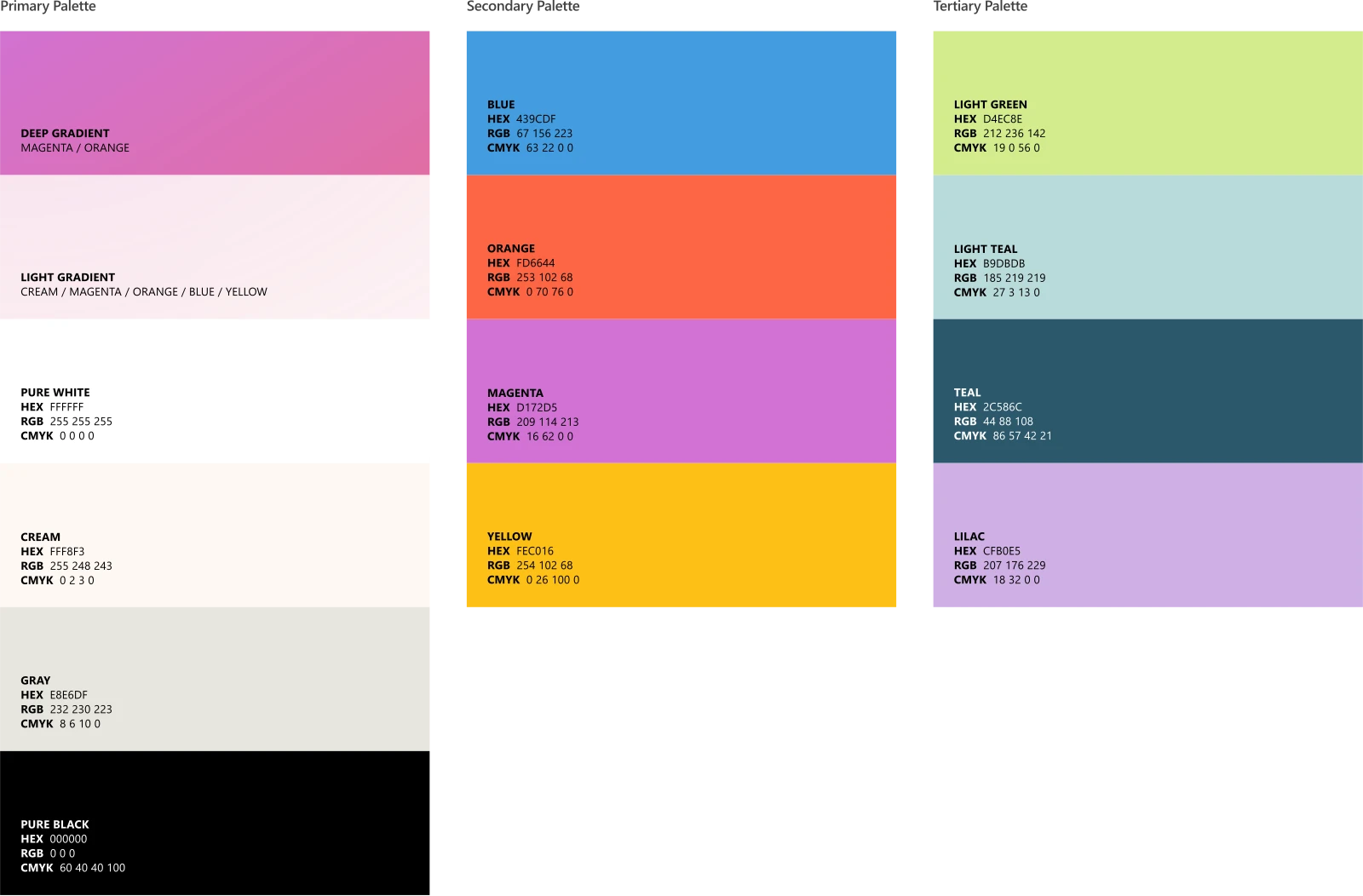
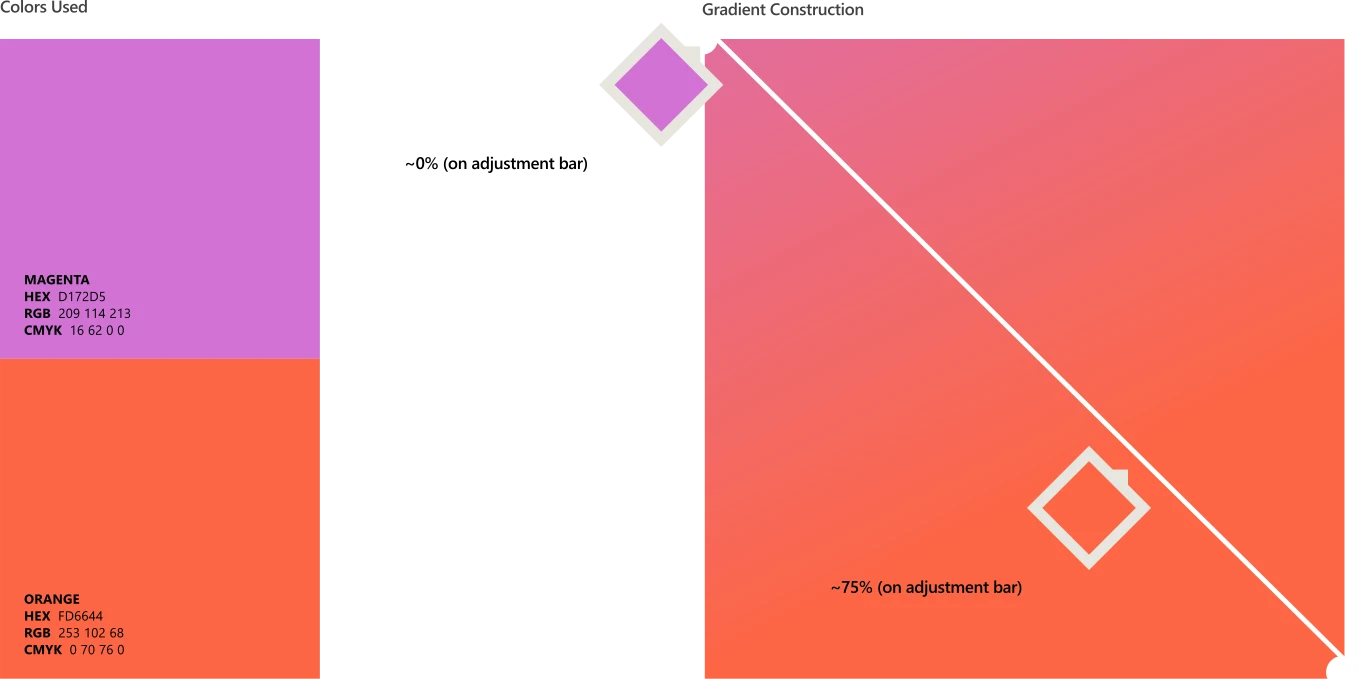
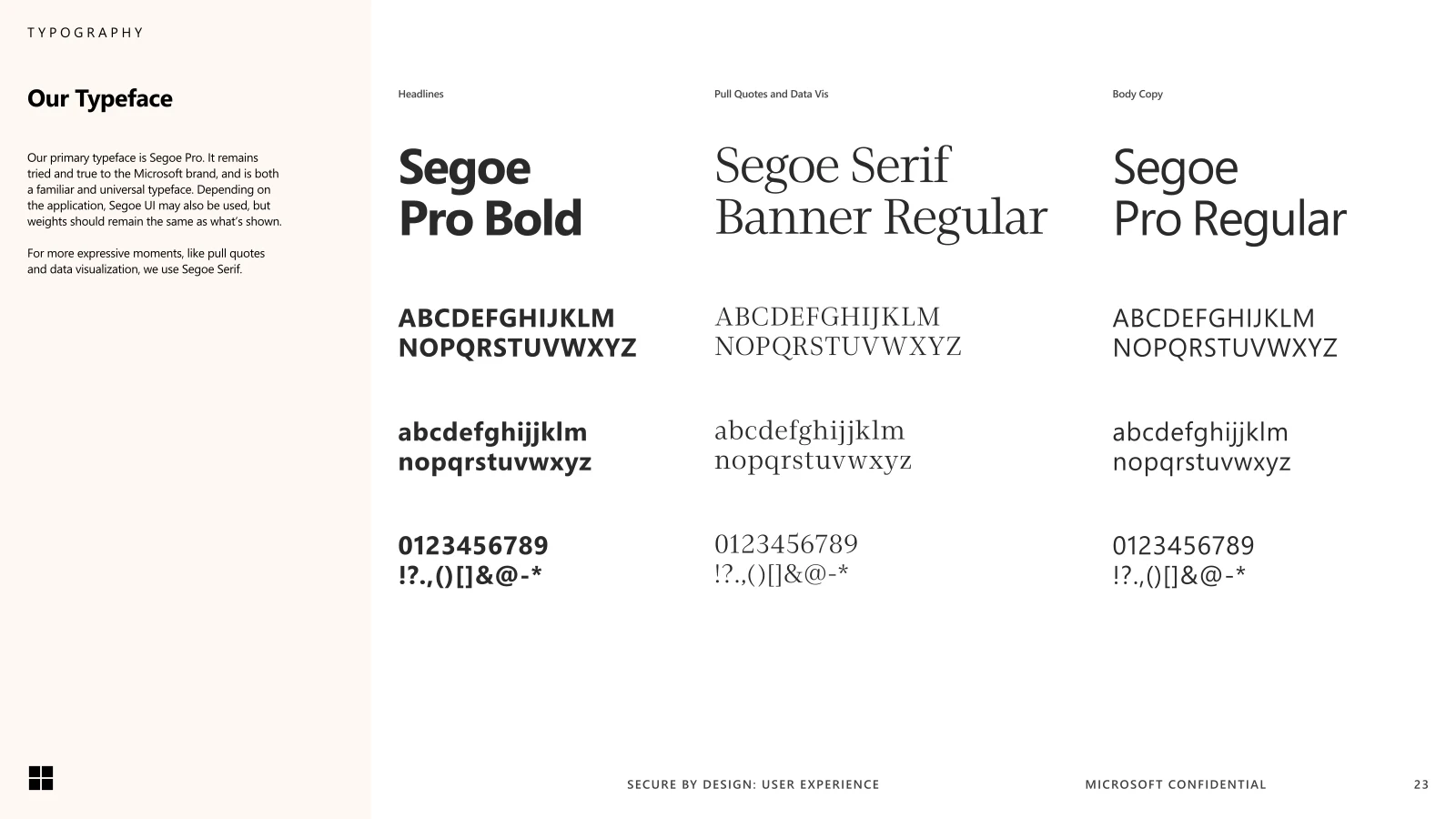
Built the toolkit as reusable frameworks, workshops, and Figma assets teams could adopt, creating components and the visual identity.
Art Direction
As co-art director, helped art-direct parts of the branding, working with the agency Studio Mega to keep the toolkit cohesive and on-brand.
From security principles to tools teams actually use
We interviewed security experts to understand how attackers really exploit product experiences, then translated that into concepts designers and PMs could use right away. We prototyped frameworks and workshop formats, tested them with teams across Microsoft, and kept refining toward the things that changed behavior.
“Threat actors don’t break in, they sign in. Ask how your UX makes their job easier or harder.”
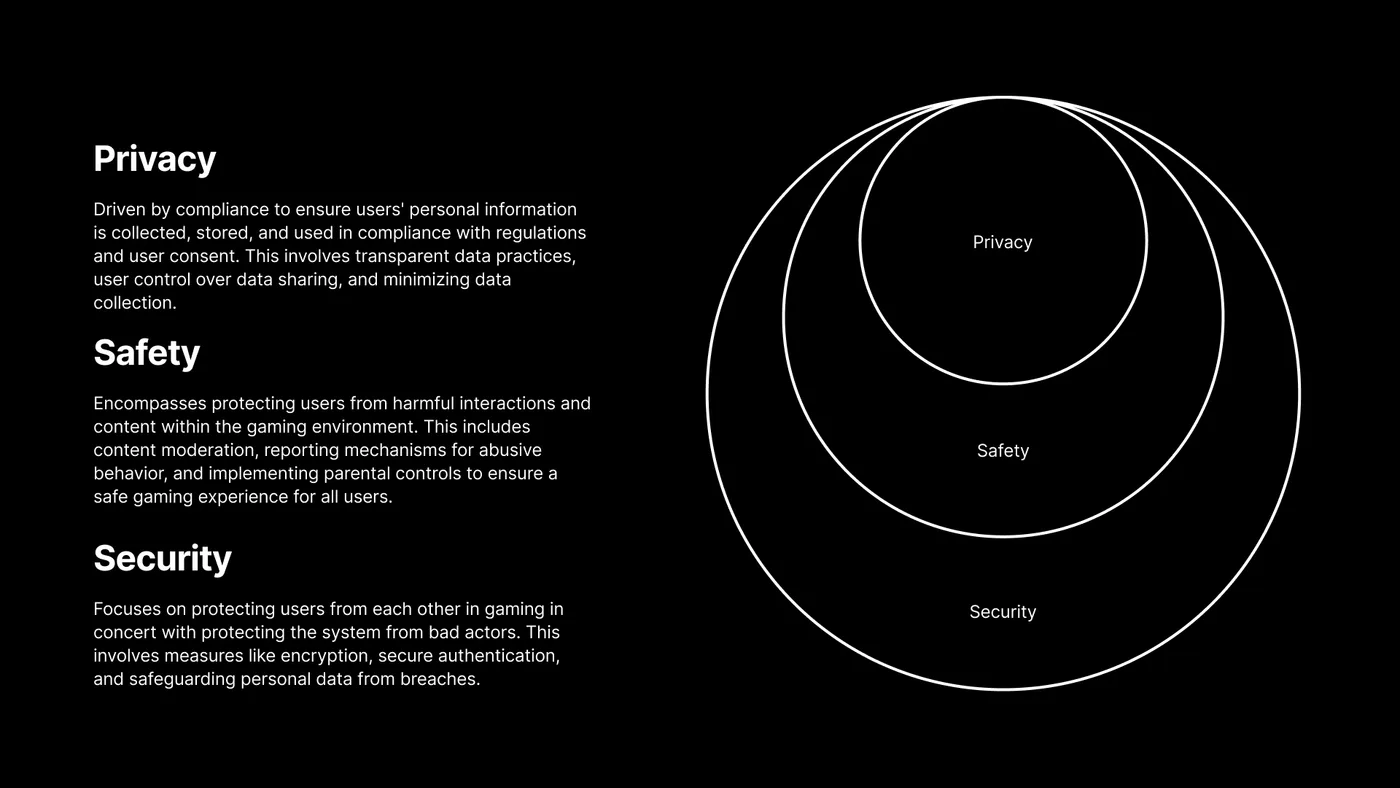
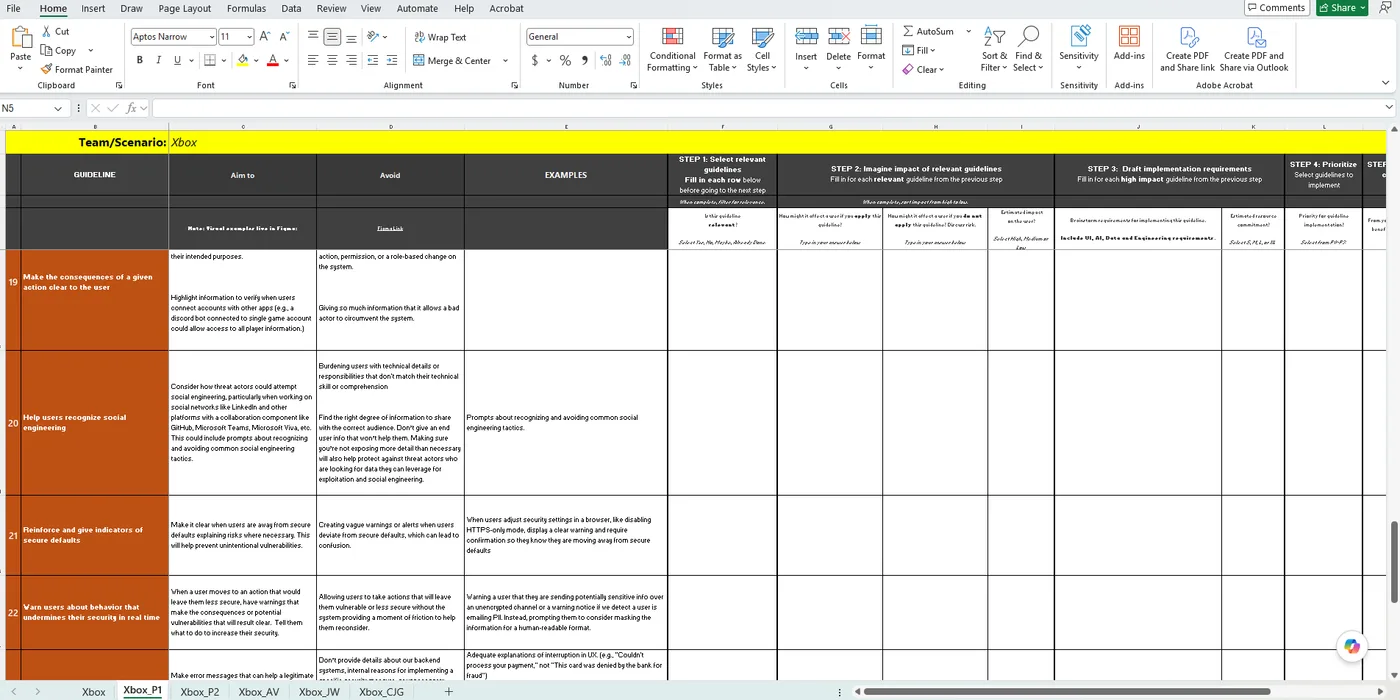
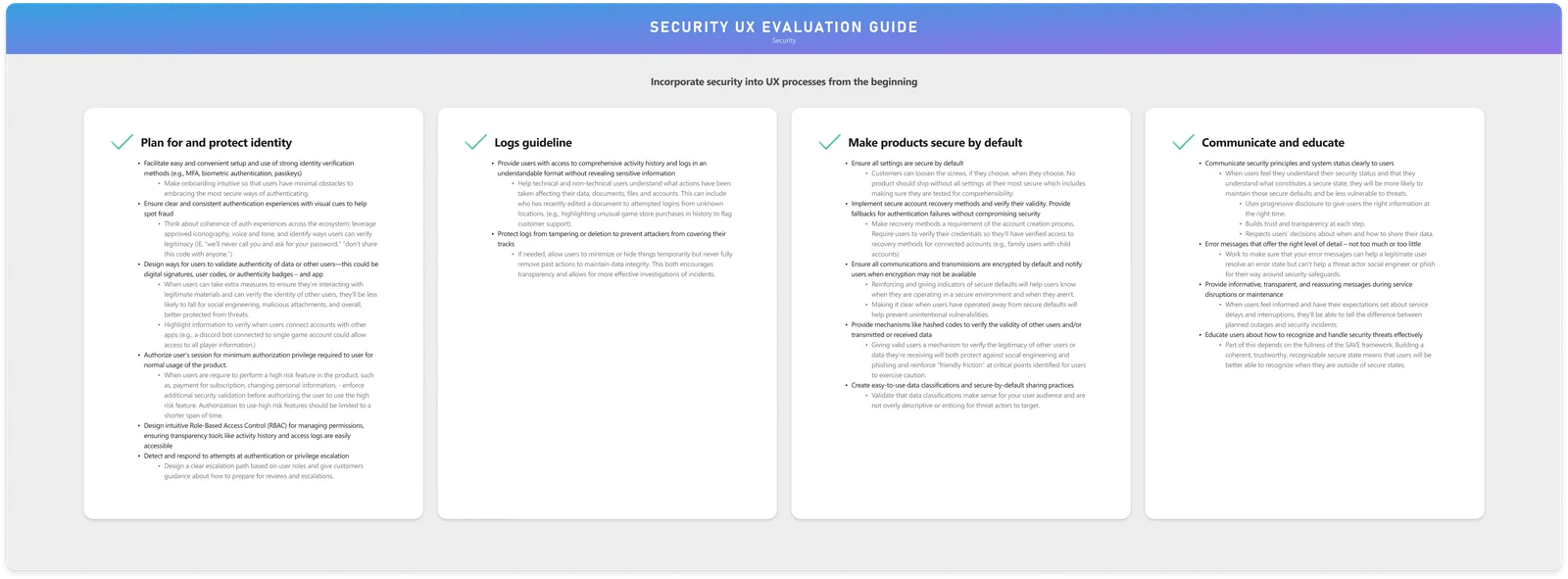
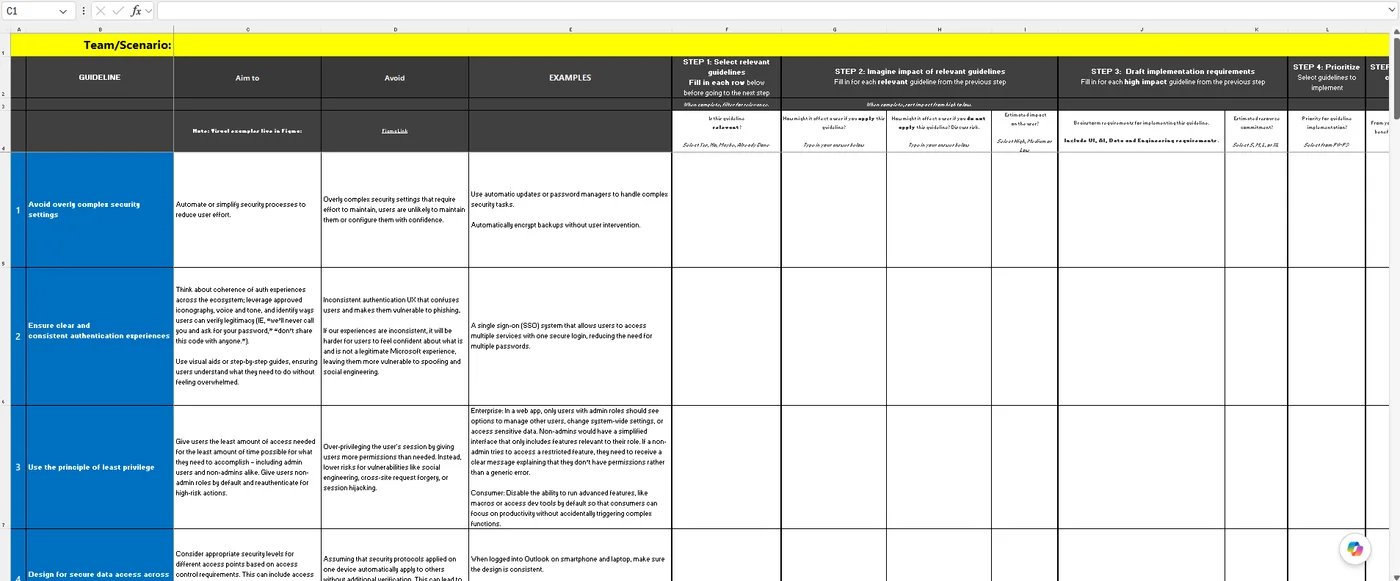
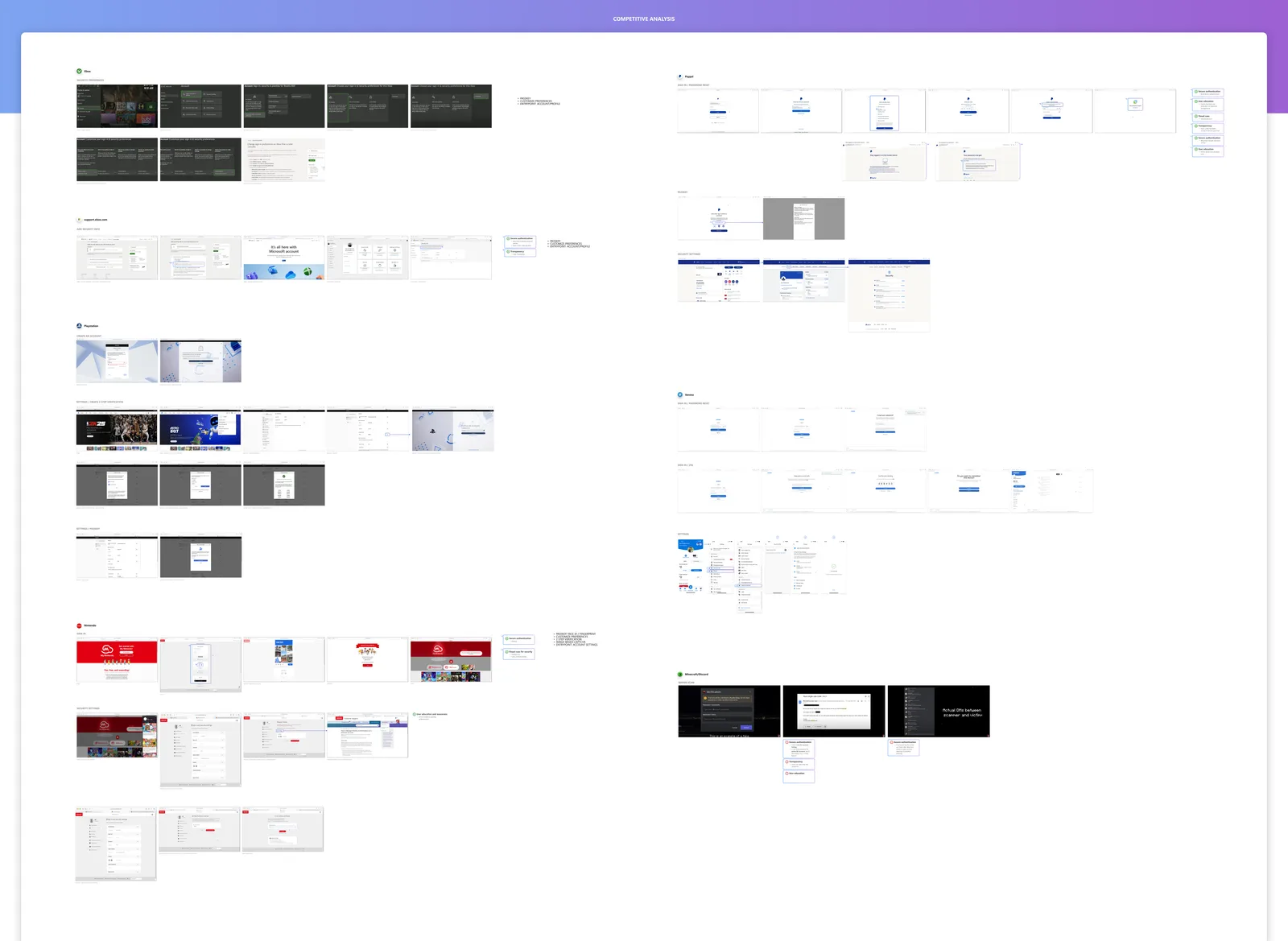
Competitive analysis, UR analysis, and team workshop outcomes
Competitive analysis, UR analysis, and team workshop outcomes
Taking the brand public
Co-art direction of the final, public-facing assets, in collaboration with Studio Mega.


Security Became a Design Responsibility
Gave designers, PMs, and researchers one shared way to catch threats during design, not after launch.
Rolled Out Across Microsoft
Tested with 20 product teams, then rolled out to every Microsoft employee in November 2024.
Published to the Industry
Released publicly in 2025 as part of Microsoft’s Secure Future Initiative, so any team can adopt it.
Built as Practical Tools
Reusable frameworks, workshops, and conversation cards that changed how teams work, in the spirit of Microsoft’s Inclusive Design movement.
What stayed with me most was watching teams start to treat security as part of design itself, something they take on from the first sketch.
The safest path should also be the easiest one to take.
For me it was as much a systems-design challenge as a security one. In an AI-assisted world, that thinking scales even further, embedding the guidance into Figma plugins, Skills for our agents, and other tooling so it meets teams where they already work.
Next Project