Game Assist
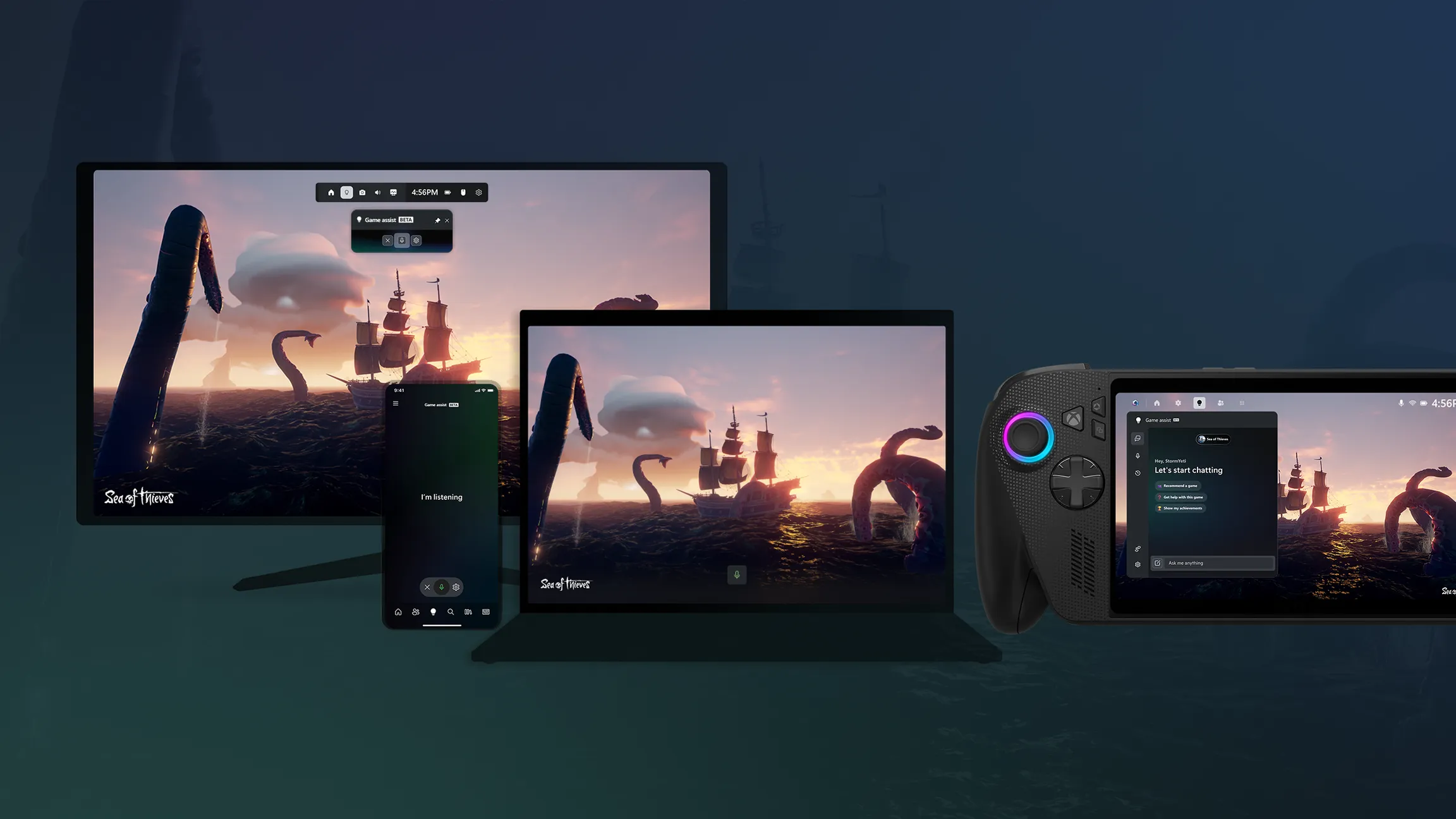
Game Assist brings AI-powered help into Xbox gameplay through multimodal experiences, helping players get unstuck without breaking immersion.
Role
Creative Director • Product Design Lead
Scope
Creative Direction • Product Strategy • UX • UI • Design Systems • Cross-Platform Strategy
Surfaces
Mobile • PC • Game Bar • Handheld • Future Console Experiences
Team
Lindsey Sperber • Raymond Dean • Kara Philipovich • Ale Chinchilla • Carlos Cuadra
Status
Beta launched • Program later paused
Designing AI around player moments
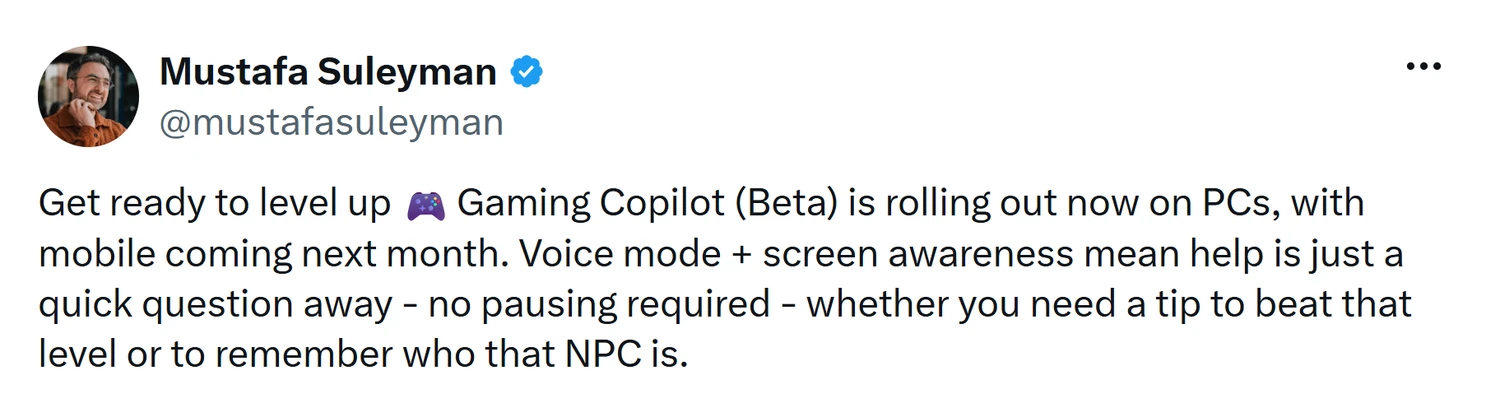
Game Assist, originally Gaming Copilot, began as a 0→1 question:
What should AI feel like inside a gaming experience?
We started mobile-first to move fast and learn sooner, but the larger goal was always to define how AI assistance could support Xbox players wherever they play.
Gaming needed a different approach to AI
Most AI experiences assume someone at a keyboard, ready to type and have a long back-and-forth.
Players are different: hands on a controller, focused on the game, and trying not to break flow.
The challenge was designing help that could show up in the moment without pulling players out of the experience.
Gen AI Modality Assumptions
Player reality
Players wanted real help, right at the moment they got stuck.
Finding where AI belongs in play
The opportunity was to take the AI foundation Microsoft Copilot had established and make it work for gaming.
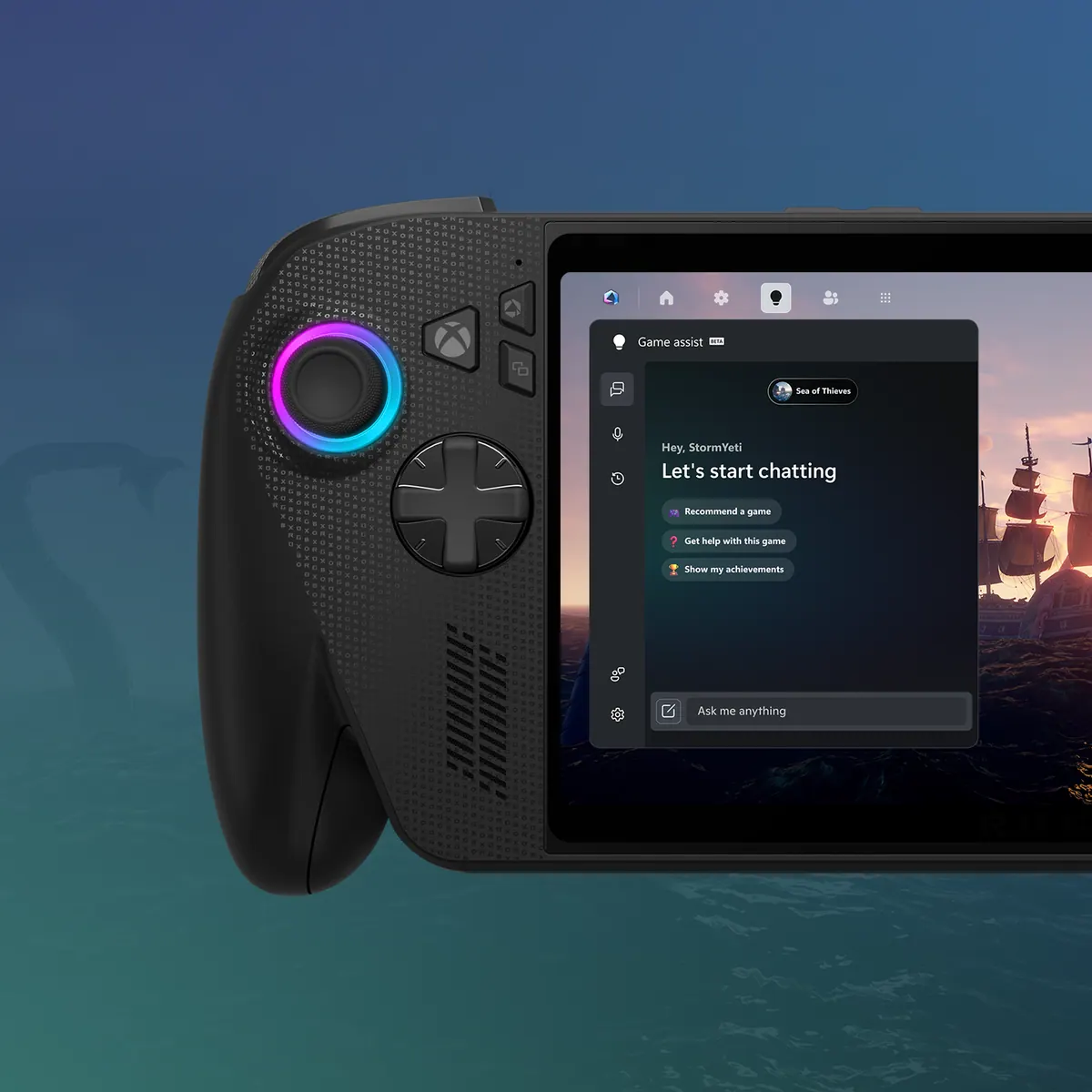
We started on mobile, but the surfaces that mattered were the ones players never leave. So the assistant moved into the Game Bar overlay and became reachable by push-to-talk.
Underneath it all was a harder design problem: LLMs are inherently probabilistic, but players expect deterministic help. Much of the work was making a non-deterministic system feel dependable in the moment.
Play xbox.com video
Turning open-ended AI into a shipped product
I led the work close to the craft: setting direction, prototyping with the team, and keeping focus through an ambiguous 0→1 space.
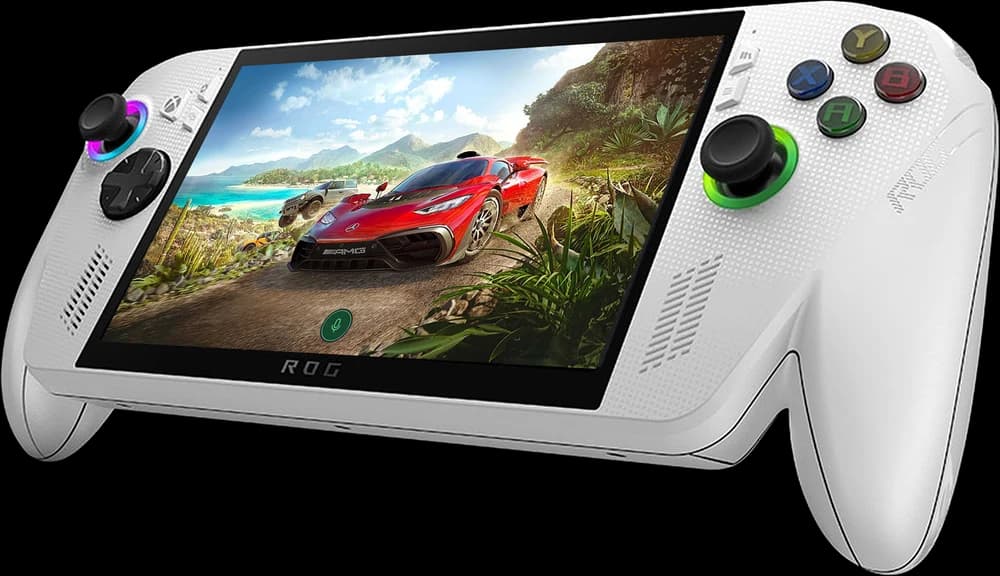
Creative Direction
Set the experience direction and quality bar across every surface.
Product Strategy
Connected AI opportunities to real player needs and moments.
Player-Coach
Designed alongside the team, running critique, prototyping, and helping turn wide exploration into a shippable direction.
Cross-Functional Alignment
Partnered across Product, Engineering, Brand, Content Design, Copilot, and the Xbox design system.
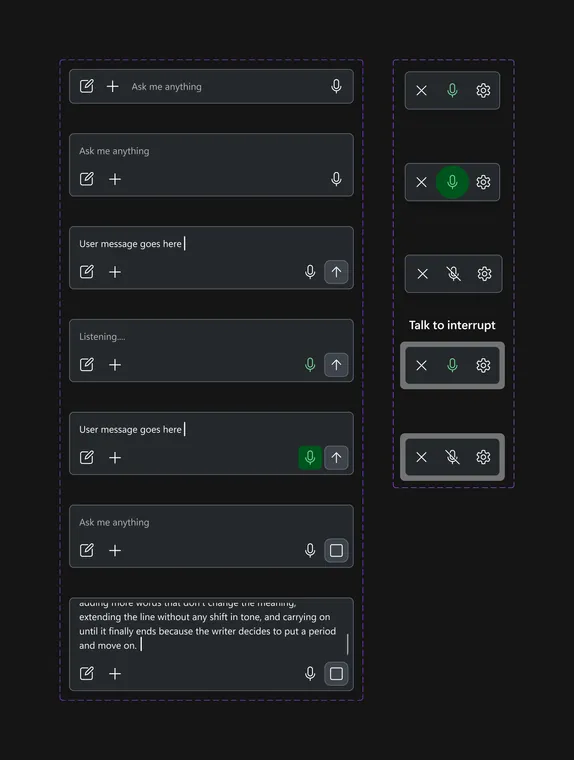

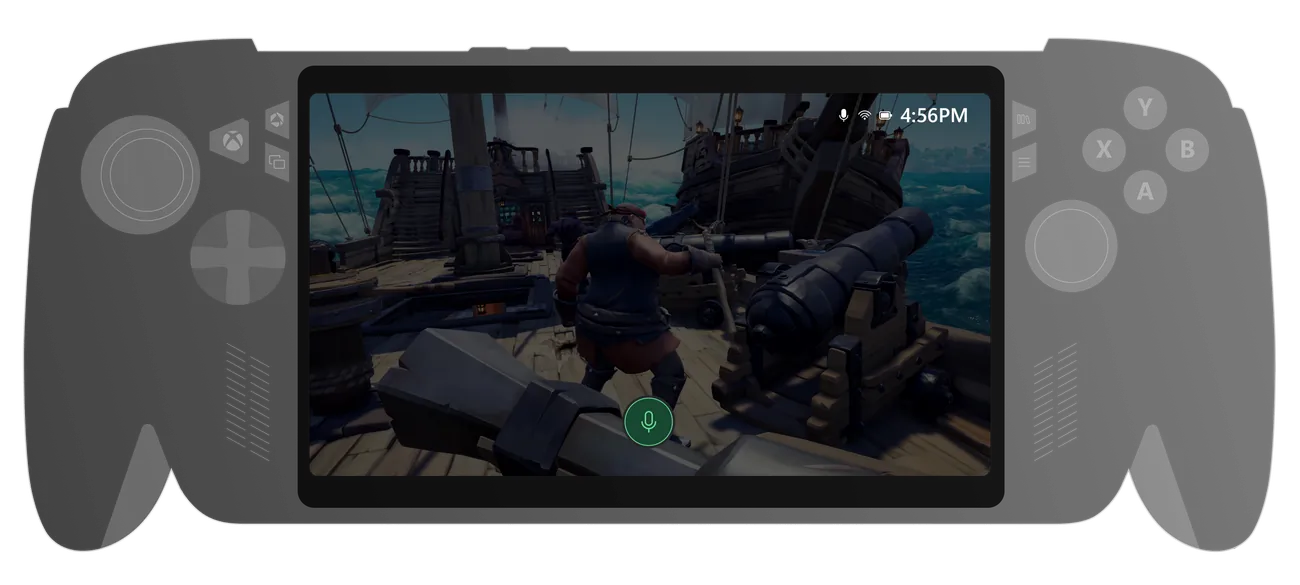
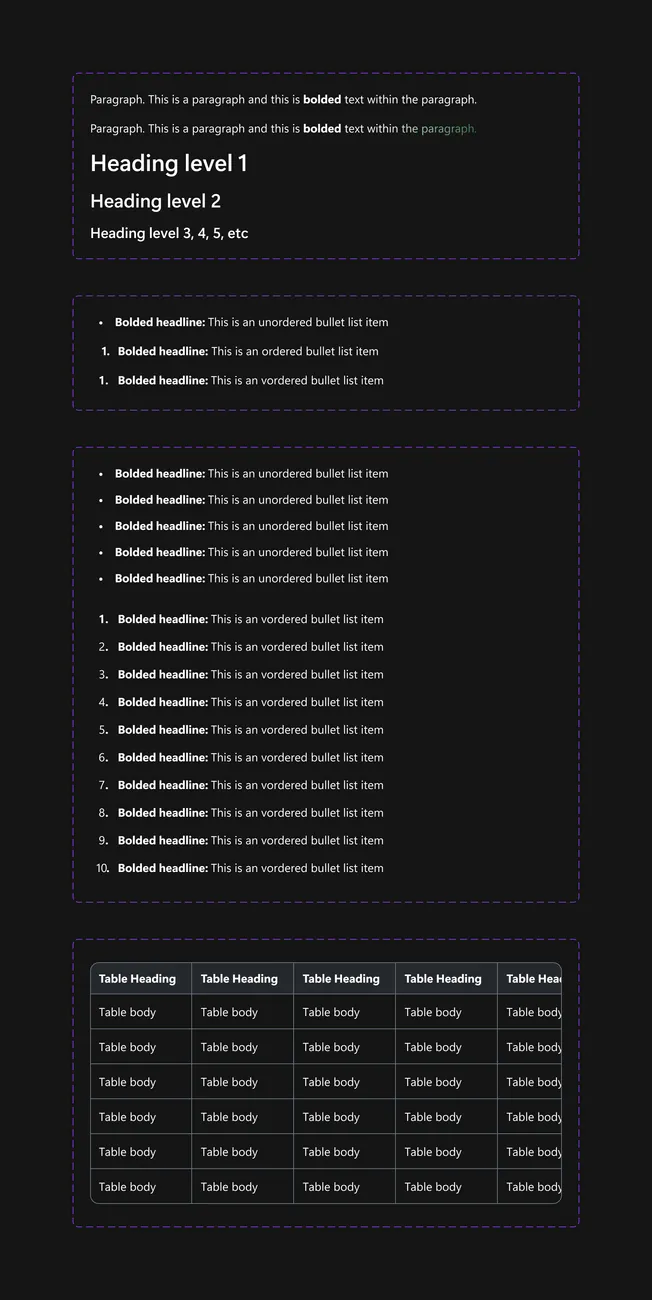
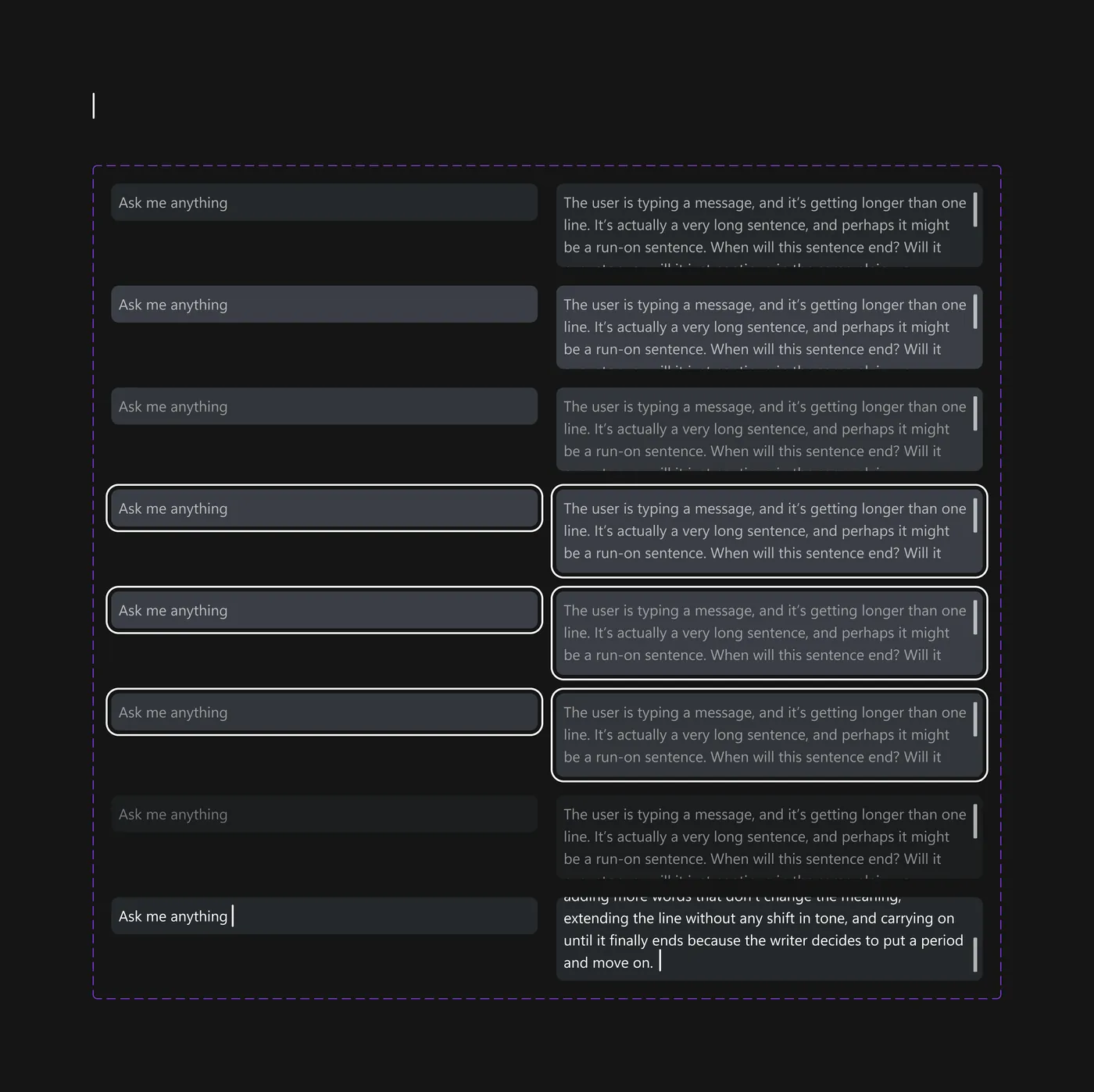
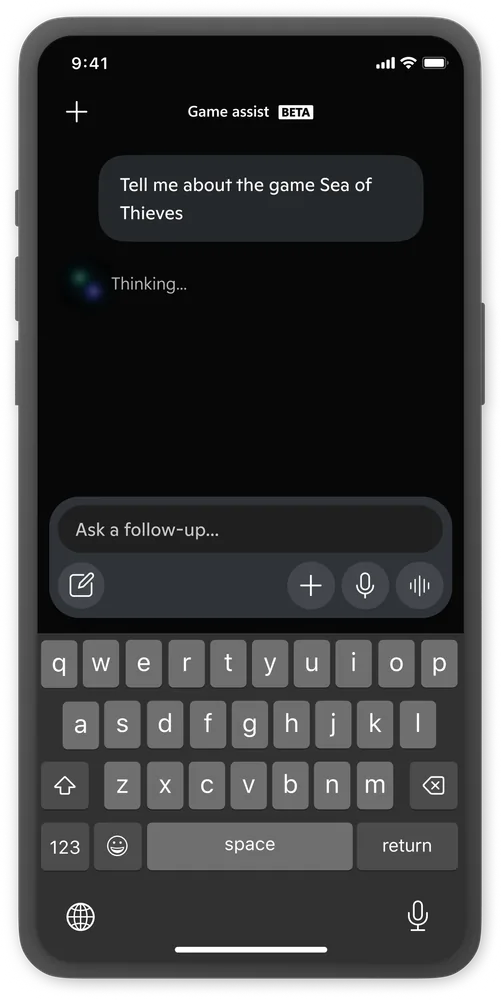
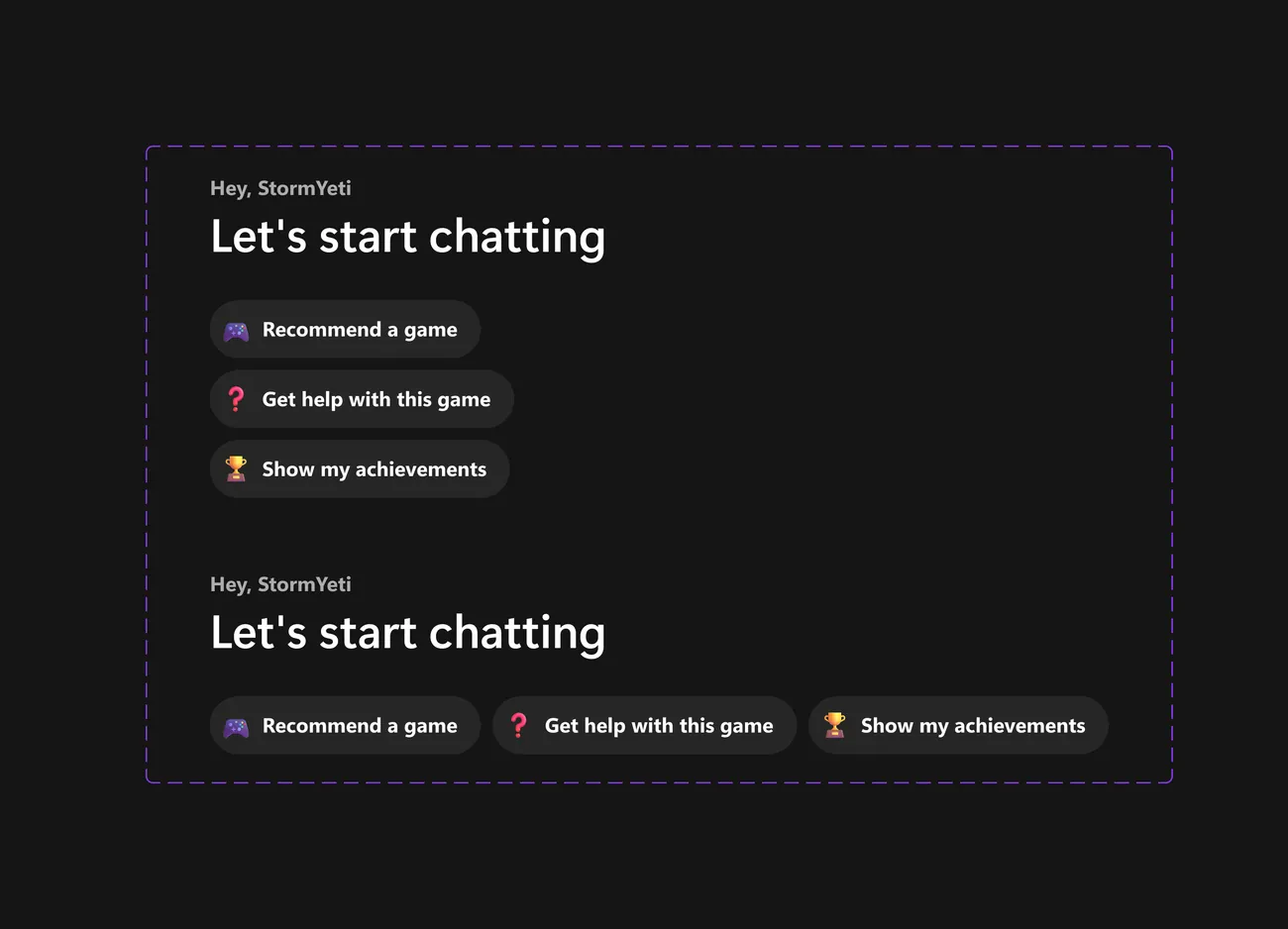
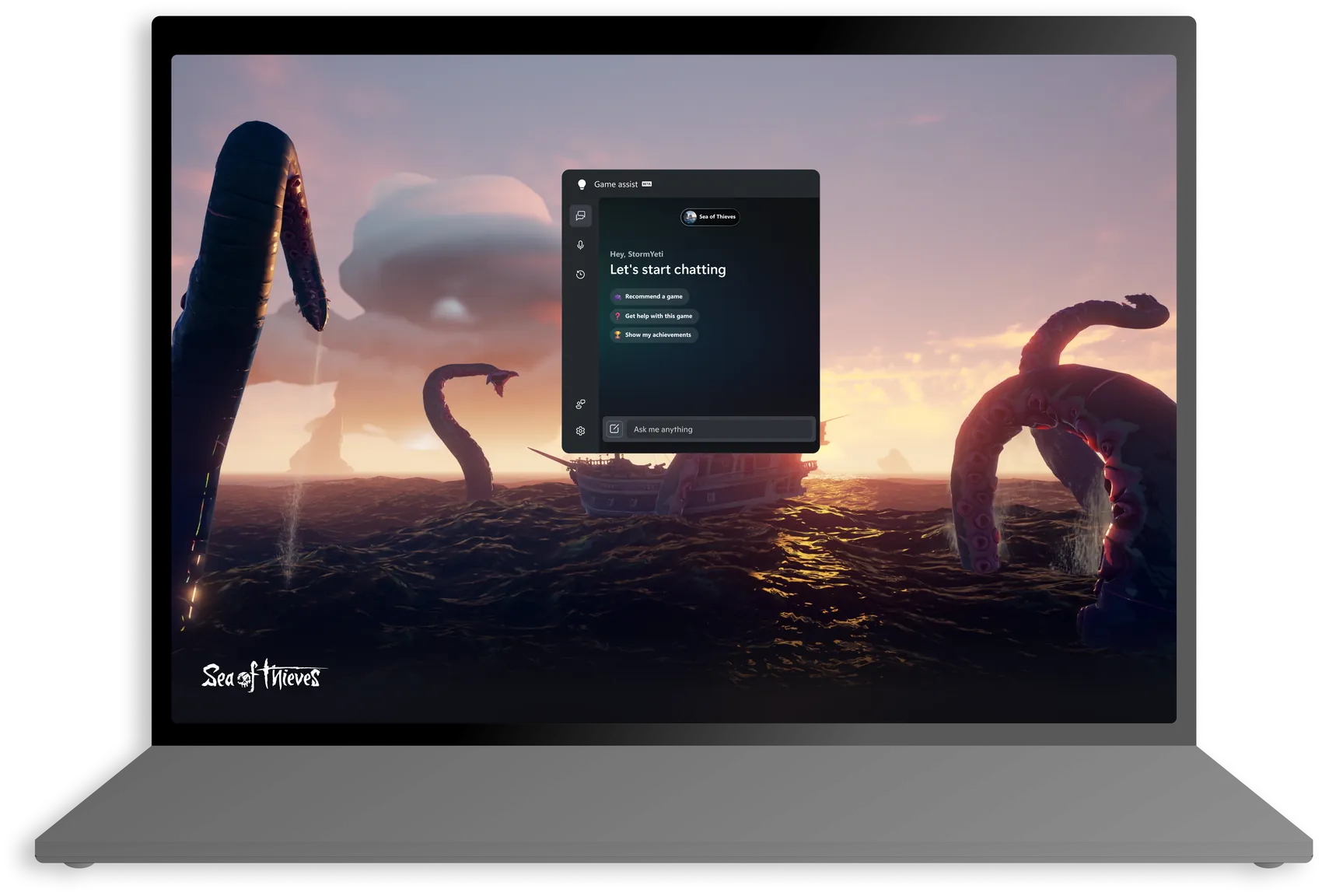

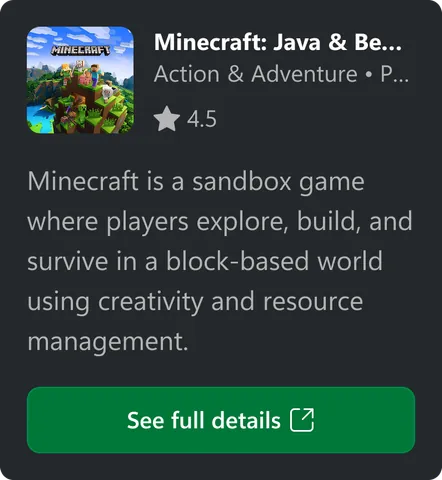

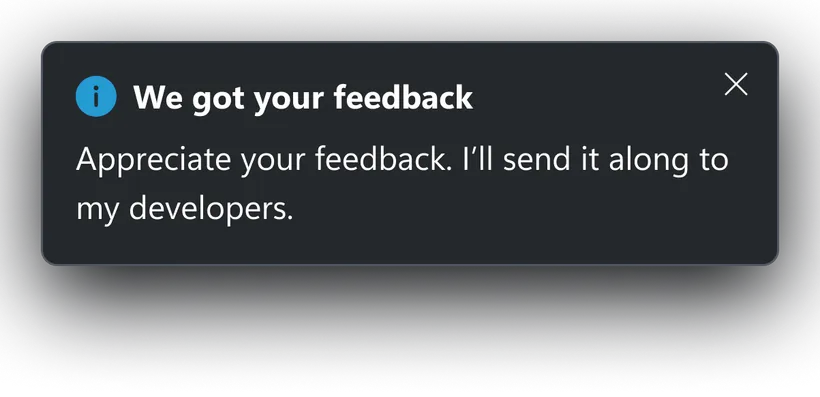
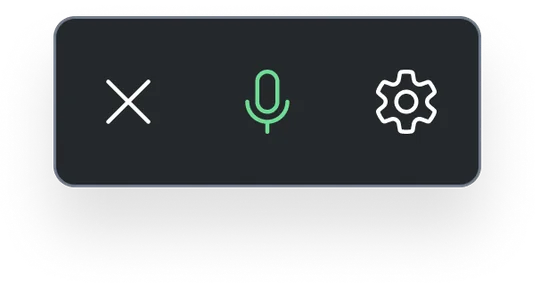


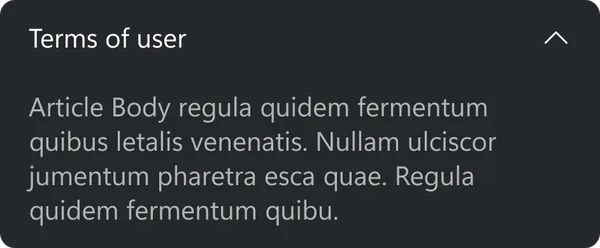


My team built a scalable AI component system within the Xbox Design System.
Exploring what AI should feel like in play
The final direction feels simple now, but it came from broad exploration across chat, voice, contextual help, vision, overlays, naming, and system behavior.
As the work evolved, we paired Figma with VS Code and MCPs to move from static concepts into playable prototypes faster.
My role was to help the team pressure-test ideas, find the clearest player value, and turn wide exploration into one coherent product.
Early concepts:
New motion direction:
Press to zoom in
Designing for Conversational UX:
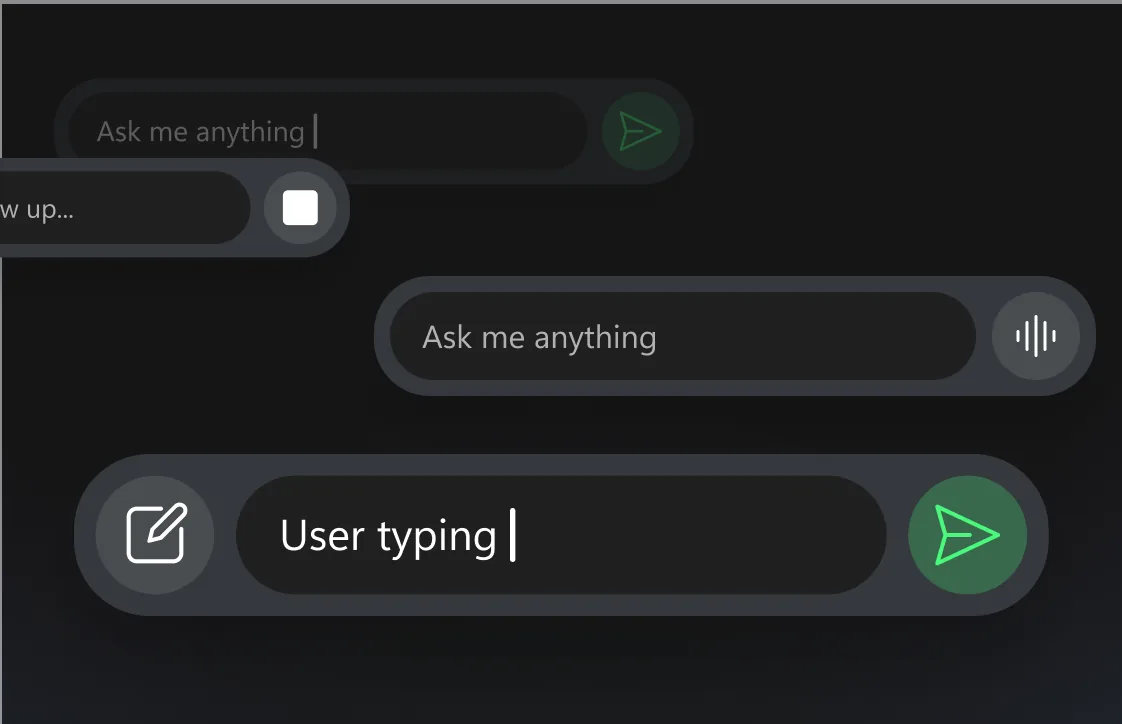
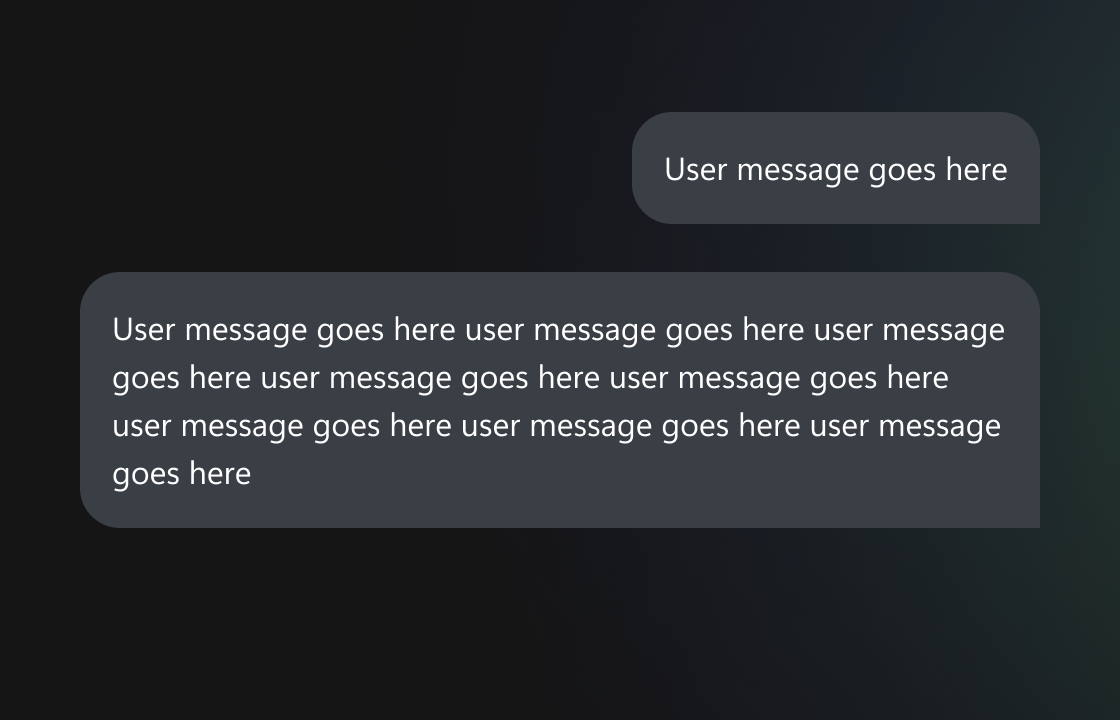
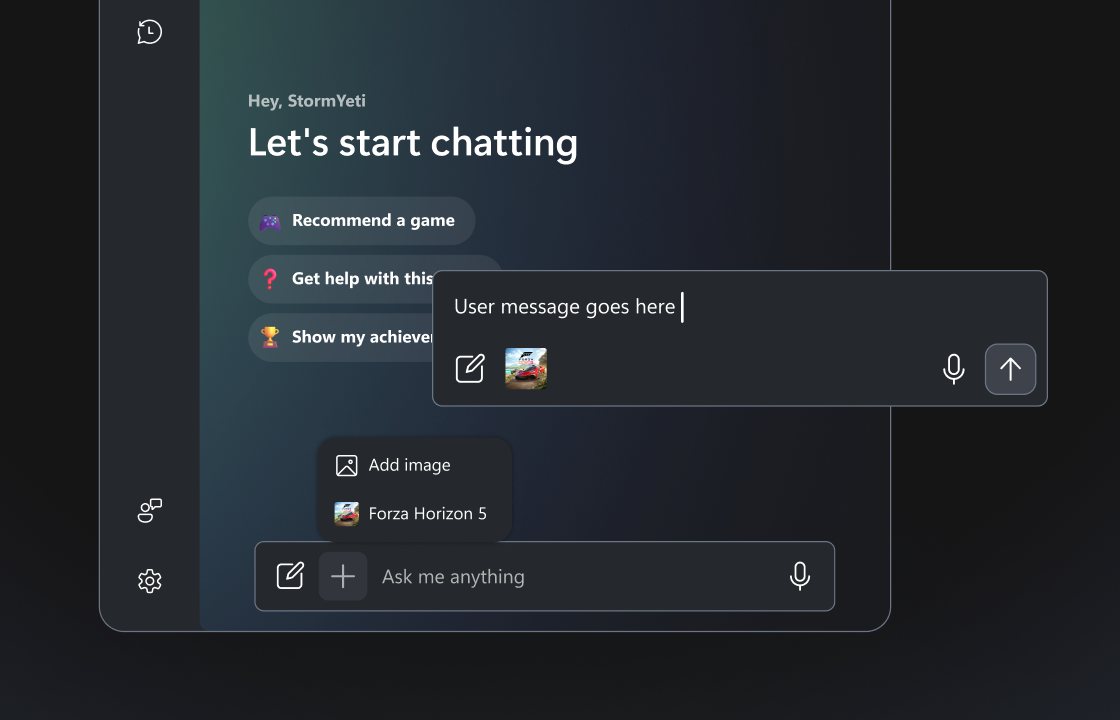
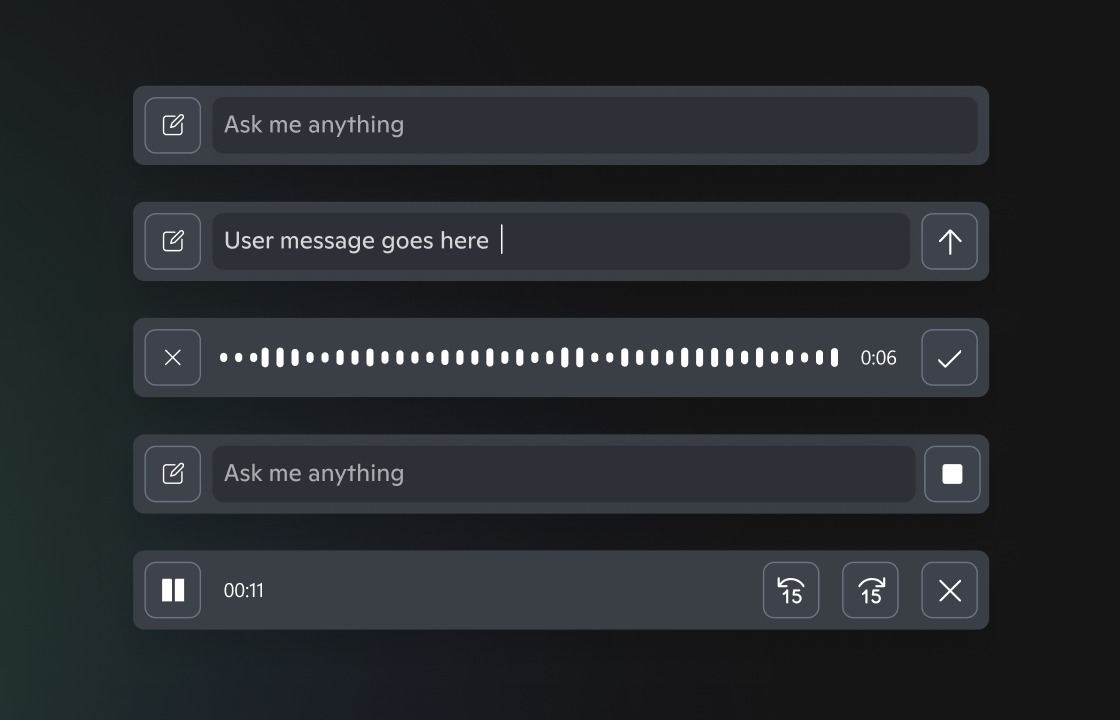
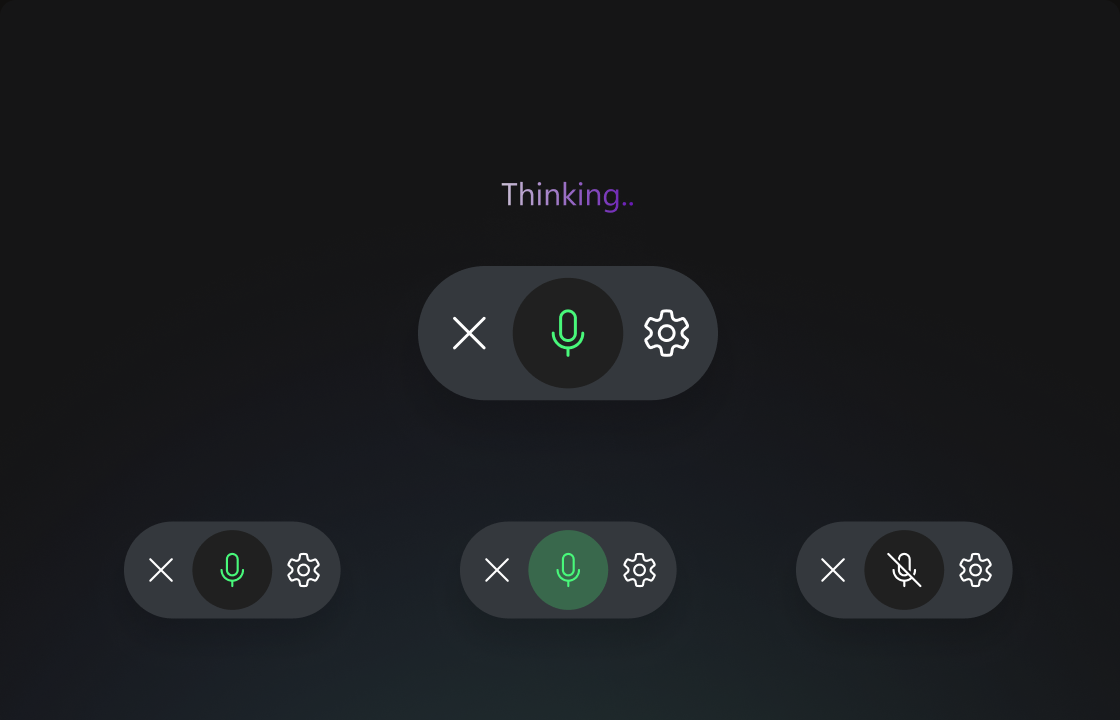
Select a card to view
From concept to product
The product evolved from an early Gaming Copilot concept, through a hybrid phase, into Game Assist.


Xbox’s First Player-Focused AI
Defined real-time AI help inside gameplay.
4 Products in 9 Months
Moved from concept to product with a small, cross-functional team.
3X Higher In-Game Retention
Delivered contextual help without pulling players out of gameplay.
AI Foundations Across Xbox
Established reusable patterns, behaviors, and system components.
Introduced Design-in-Code Workflows
Led adoption of Figma, VS Code, and MCP-powered workflows for AI product development.
Help Without Leaving the Game
Redefined player assistance through in-the-moment guidance, voice, and chat integrated directly into play.
The biggest lesson from this work was about attention and trust.
We made the most progress when we stopped asking what AI could do and started asking where players actually needed help.
Gaming audiences are protective of the experiences they love. Early on, the Copilot name carried strong Microsoft productivity associations, which risked turning players away before they understood the value. That pushed us to make the experience feel native to Xbox first: useful, lightweight, and grounded in real gameplay moments.
The best assistance helps players stay focused on the game they came to play.
Next Project